
Lockers.Com Pty Ltd is an Australia Company that specializes in keyless electronic locker solutions in Australia, New Zealand, Hong Kong and China
T (+61) 409159190
Email: info@elockers.com.au
Lockers.Com Pty Ltd
Unit 10, 40 Waterview St. Carlton, Sydney, Australia


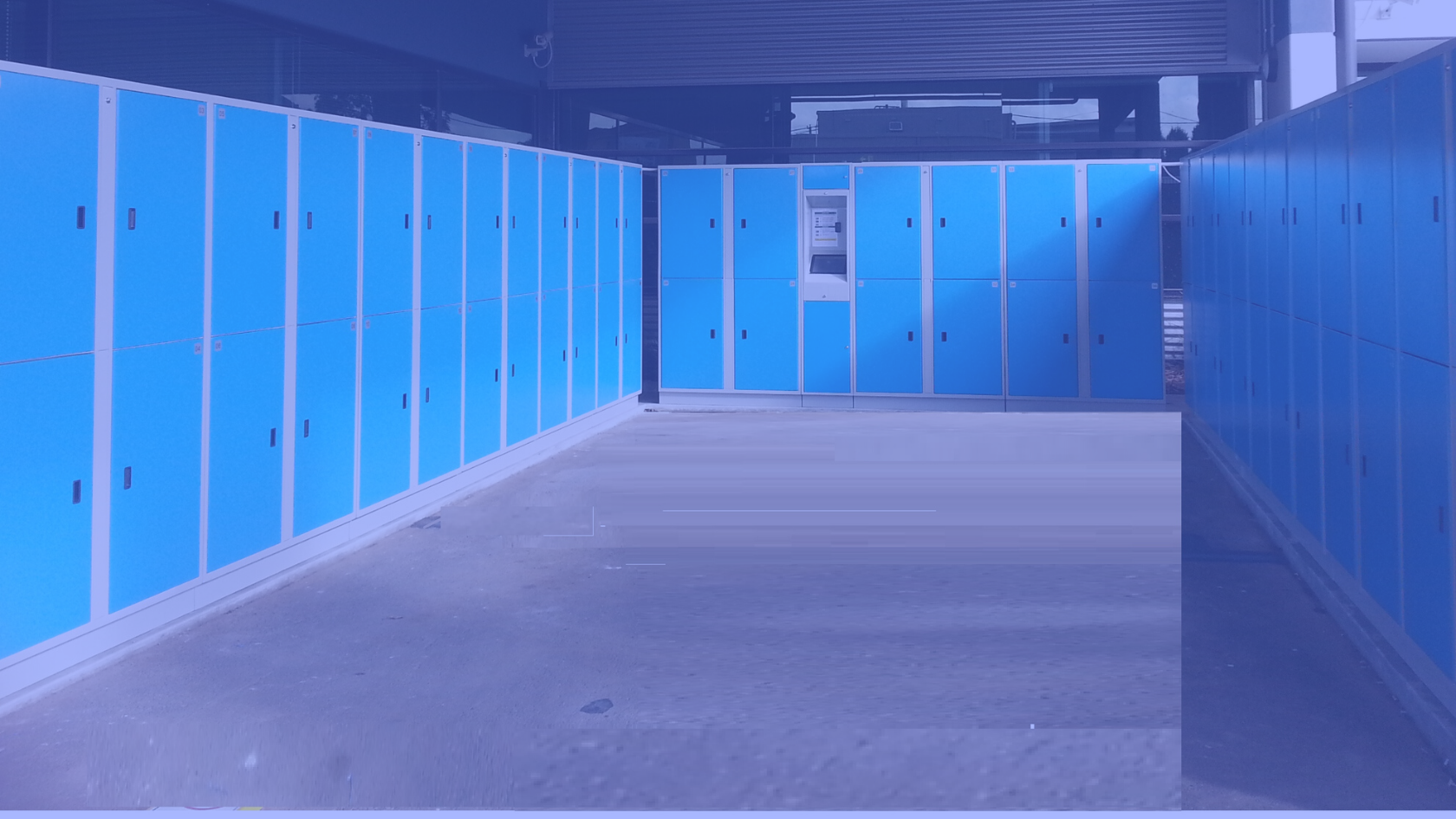
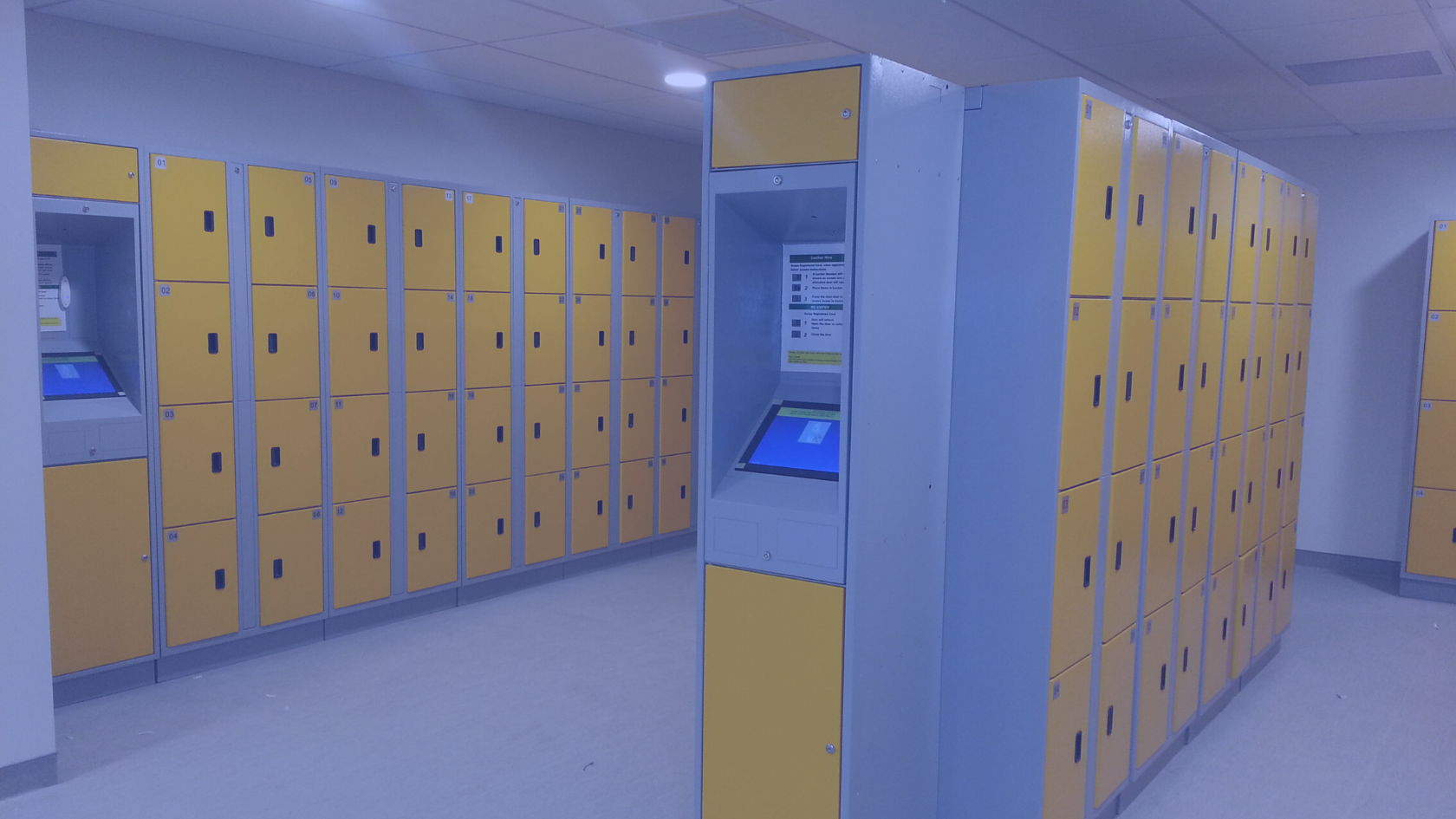
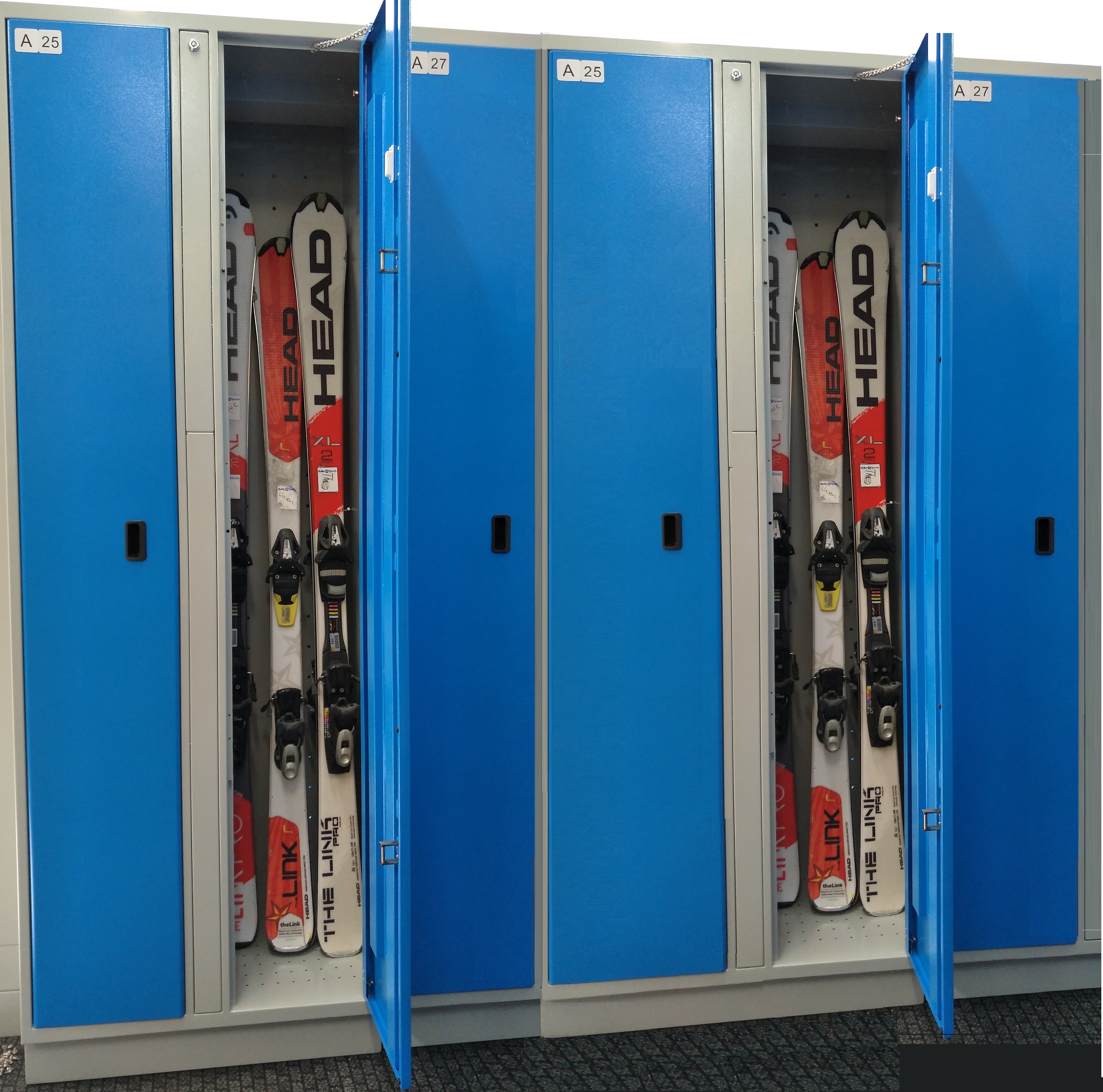
PREV
NEXT
Lockers.Com offers a risk-free revenue share model for venues where we place the lockers for free.
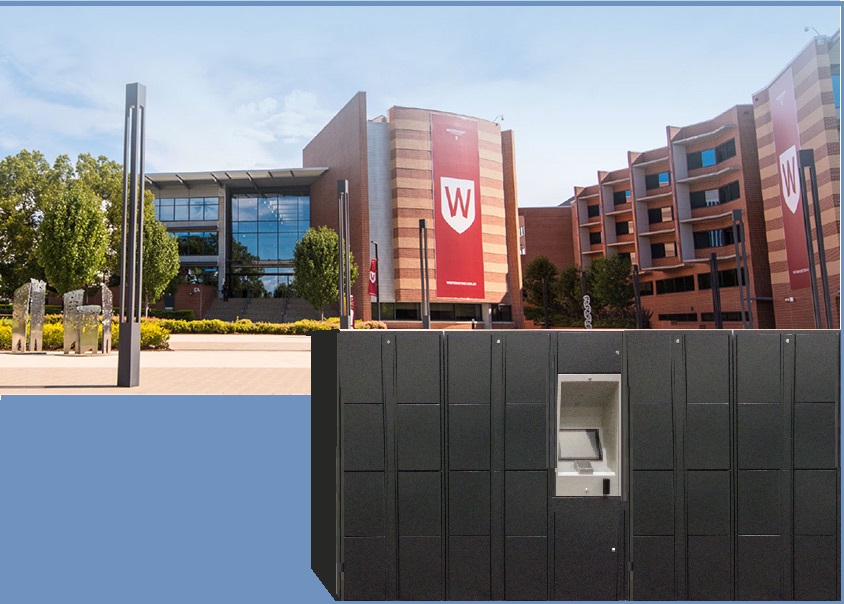
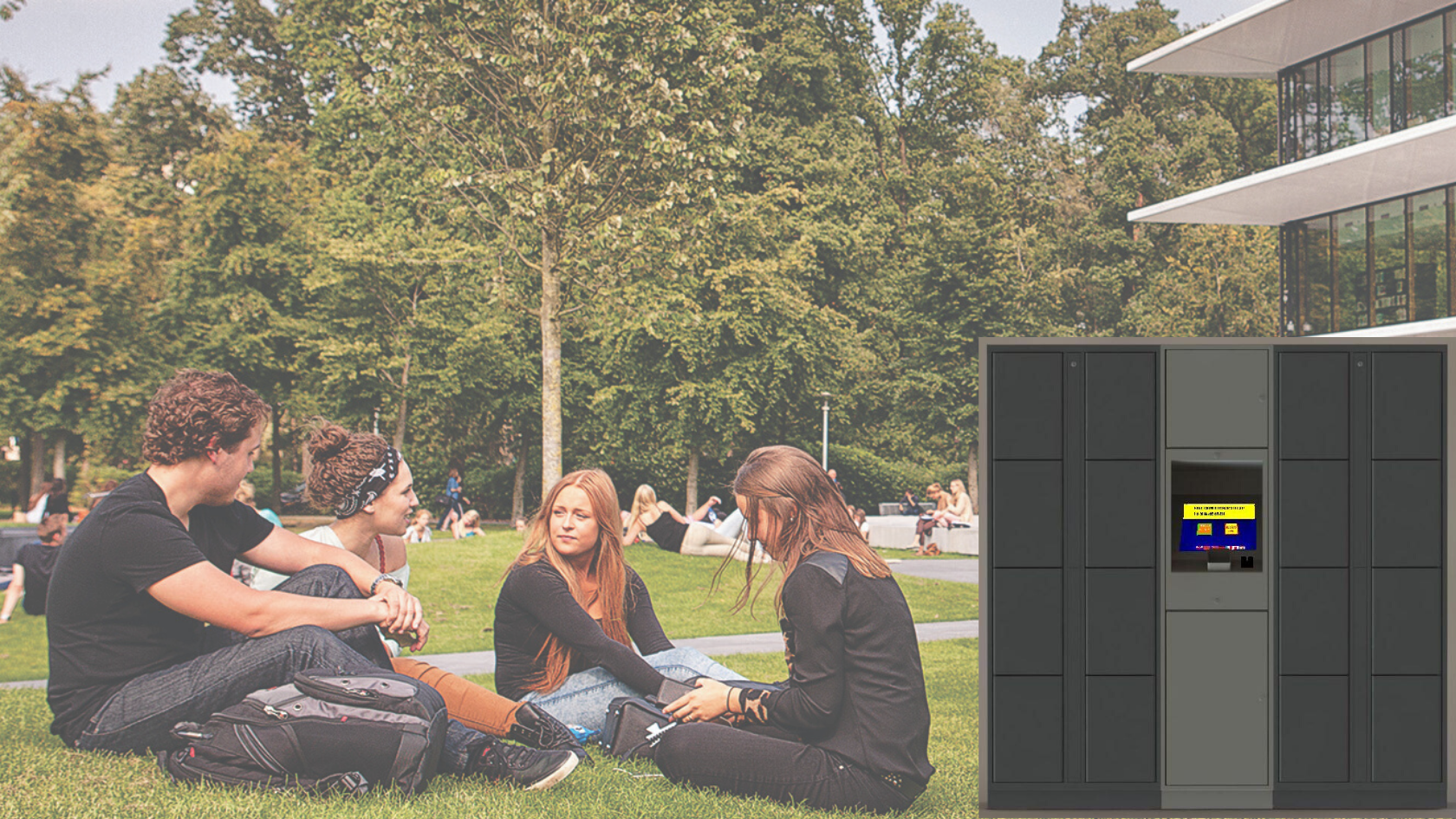
e-Lockers in all Campus of Western Sydney University
The e-locker System has many solutions to meet needs a variety of venues
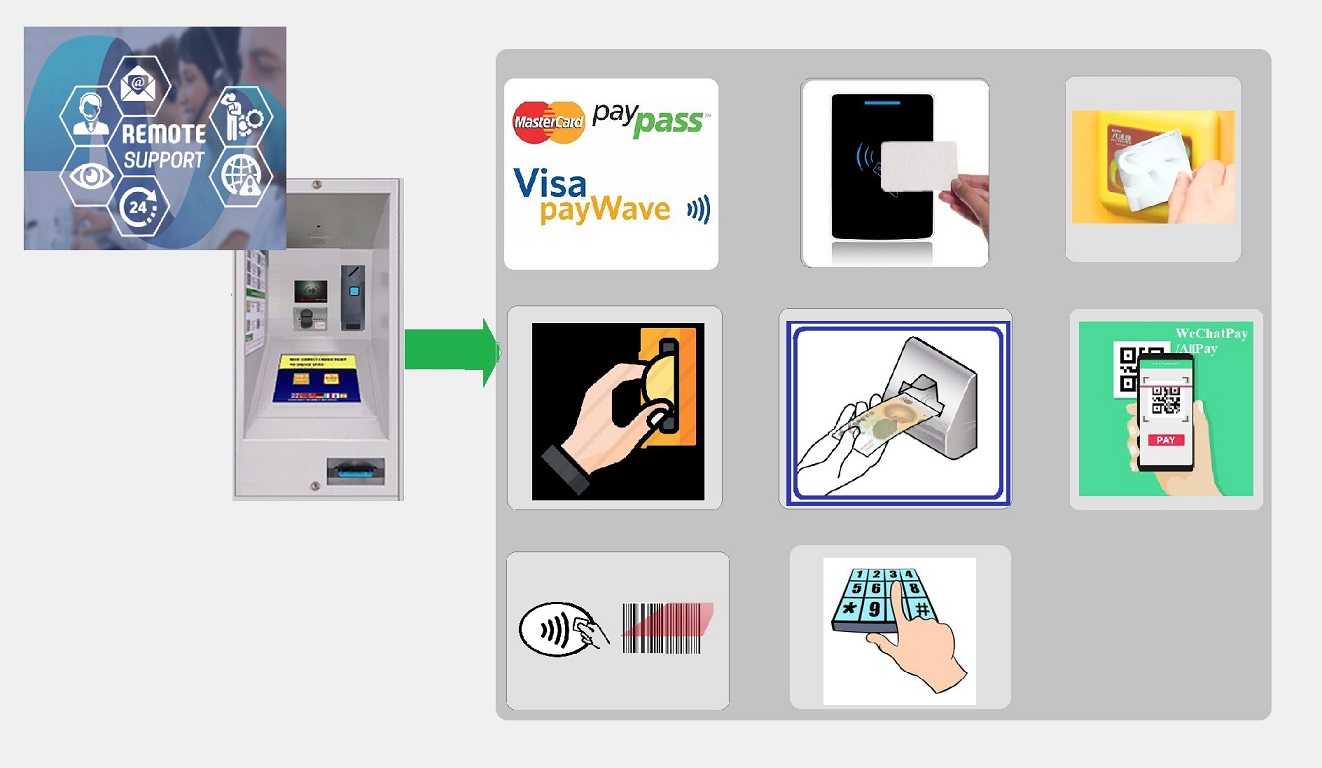
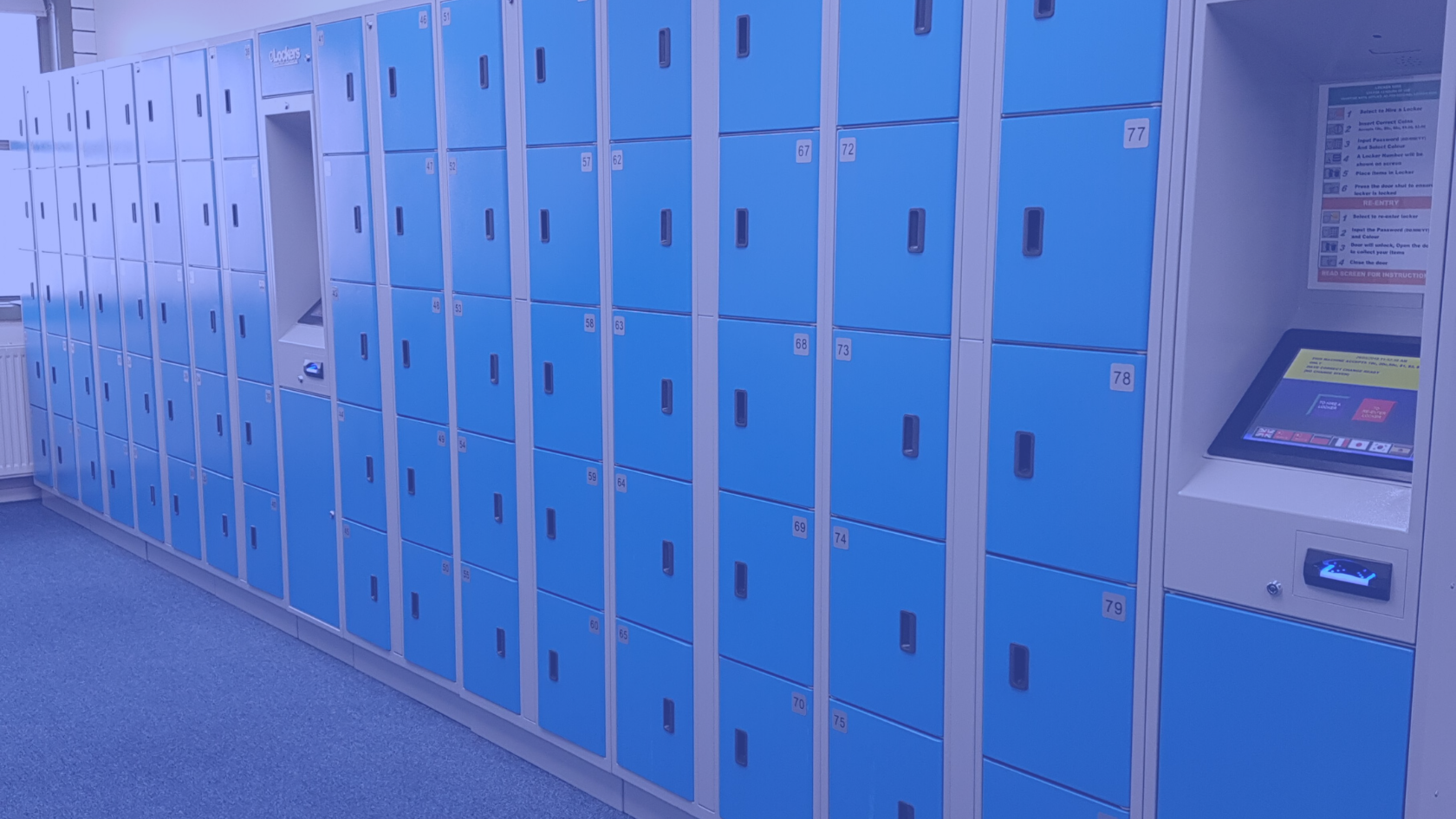
e-Lockers Access Point
Powerful Access Point can handle most of applications
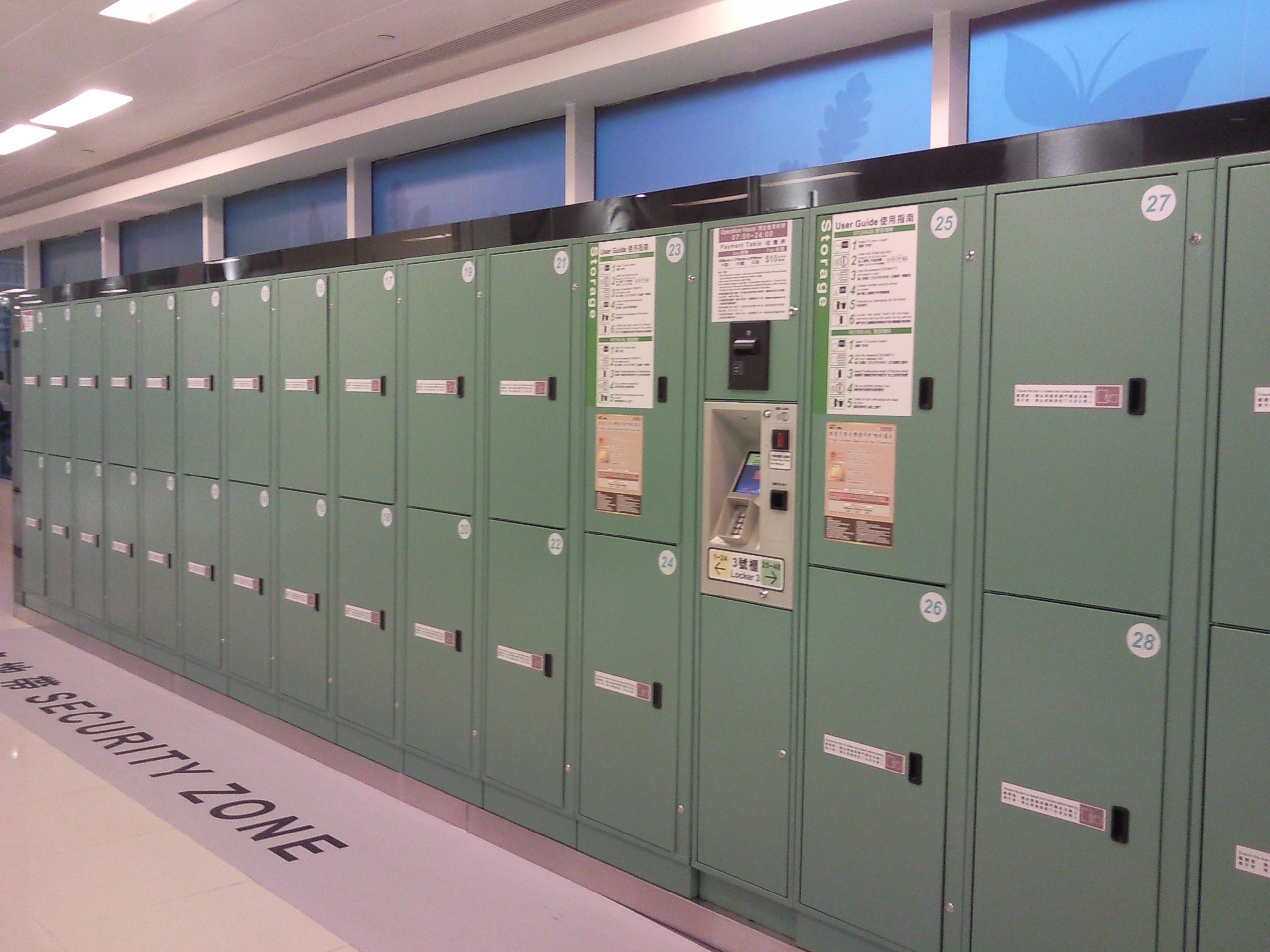
e-Lockers in Shopping Center
Among many of its installations e- lockers is proudly installed in Hong Kong New Town Plaza utilizing Octopus Card payment system
FEATURES OF THE E-LOCKERS SYSTEM
Coin/Note/ Card Operated
Casual users have access via coins or Notes at $xx for a small, medium or large lockerR.F.I.D. Card Operated
Users have access to any size locker from any bank by simply swiping a registered R.F.I.D Card. wristbandFlexible Configuration
Lockers can be configured to different sizes and combinations, up to 64 doors can be controlled by one Access Point